
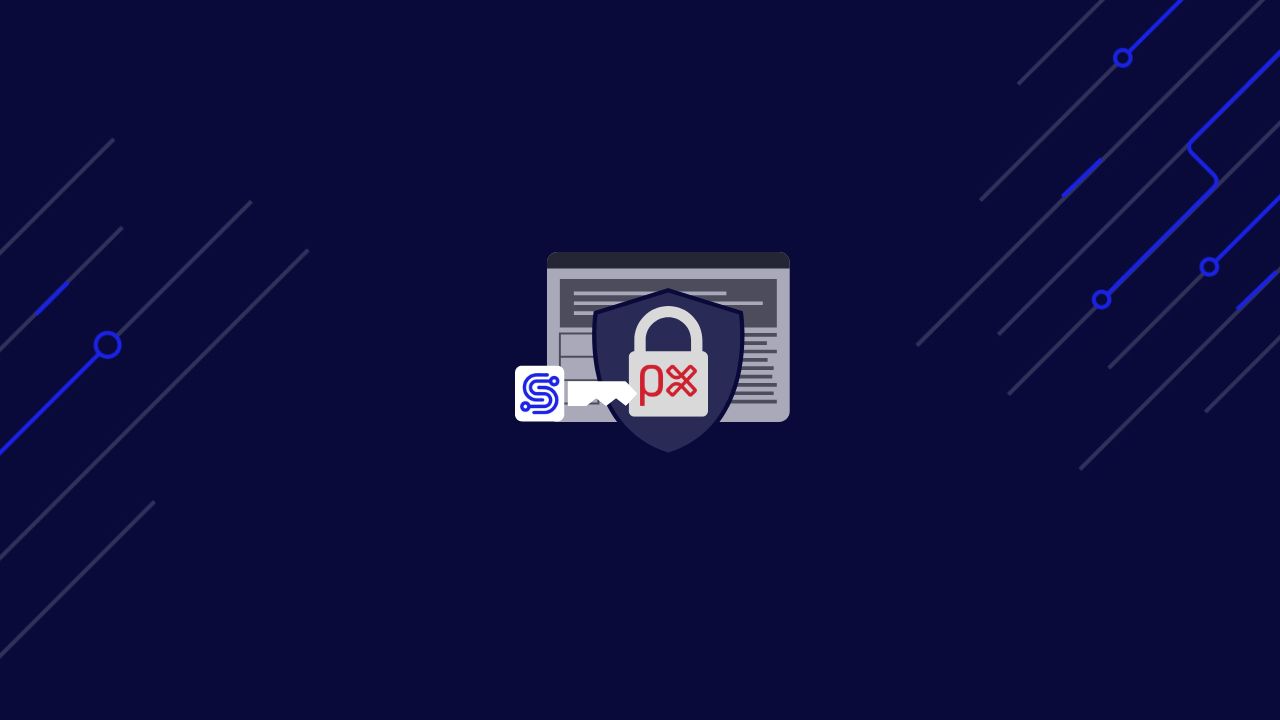
PerimeterX(HUMAN) doesn’t rely on simple blocks. It studies how traffic behaves.
Every request you send is quietly measured and scored. The system tracks timing patterns, JavaScript signals, headers, and tokens, building a profile of what real users do as they browse.
Most scrapers fail because they only focus on sending valid requests. They ignore the invisible checks that PerimeterX performs behind the scenes. Without natural signals, consistent sessions, and verified tokens, even the most polished scraper is flagged and stopped.
ScraperAPI solves this by building requests that behave like real browsers. Each call runs on trusted IPs, includes realistic browser fingerprints, executes hidden JavaScript, and maintains sessions across pages. You don’t need to simulate clicks or decode complex scripts yourself. ScraperAPI handles the complex work, allowing you to focus on collecting the data you need.
In this guide, we’ll explore how PerimeterX detects bots, why standard scrapers fall short, and how ScraperAPI passes its behavioral tests with ease.
Ready? Let’s get started!
TL;DR
Bypassing PerimeterX (HUMAN) isn’t about adding more retries or tweaking headers. It’s about sending requests that behave exactly like a real browser. PerimeterX checks everything, from your IP reputation and session tokens to how your browser executes JavaScript and reports timing signals.
ScraperAPI takes care of all of this automatically. With a single API call, it:
- Routes requests through residential and mobile IPs that pass reputation checks
- Executes PerimeterX’s JavaScript challenges and collects behavioral signals
- Builds authentic browser fingerprints with proper headers and rendering data
- Manages tokens, cookies, and sessions behind the scenes
- Returns fully rendered content ready to parse and store
Why PerimeterX Blocks Requests
PerimeterX is designed to detect automation by analysing how requests behave across multiple layers. It doesn’t just check the content of a request but evaluates its origin, timing, and browser environment. If anything feels off, the request is flagged or blocked.
Here are the main signals it looks for:
- IP Reputation: PerimeterX maintains a reputation database that tracks IP addresses across the web. Datacenter IPs, flagged ranges, or addresses with suspicious traffic patterns are often blocked immediately.
- Behavioral Tracking: It quietly monitors how browsers behave (such as timing intervals, script execution, and navigation patterns) to tell bots from humans.
- Browser Fingerprinting: The system collects details from the browser environment, including canvas and WebGL data, available fonts, and screen resolution. Any inconsistency between these signals and typical browser behavior exposes automation.
- JavaScript Challenges: PerimeterX injects scripts that gather client-side signals or generate validation tokens. Standard HTTP clients fail these challenges because they cannot execute JavaScript or return the expected data.
- Session and Token Validation: Each session is tied to specific cookies and signed tokens. If a request lacks valid tokens or sends mismatched session data, it is rejected.
These layers work together to form a complete profile of your traffic. Without resolving each part, from IP reputation to JavaScript execution, a scraper will eventually encounter 403 Forbidden responses or Access Denied pages. ScraperAPI manages all of this for you by combining residential IP rotation, real browser headers, JavaScript rendering, and session management so your requests consistently pass PerimeterX checks.
The Engineering Approach: Bypass PerimeterX (HUMAN) with ScraperAPI
PerimeterX blocks requests that don’t behave like real browsers. It looks beyond simple headers or IPs, analyzing how each request is built, how JavaScript runs, and how browser signals are generated. If anything feels off, the system steps in.
To get past these checks, your scraper needs to:
- Use clean, trusted IPs that aren’t linked to datacenters.
- Send complete browser-like headers and TLS signatures.
- Execute PerimeterX’s hidden JavaScript challenges to generate the right tokens.
- Maintain consistent sessions by managing cookies and signed values across multiple requests to ensure a seamless user experience.
- Pace your requests naturally to align with realistic browsing patterns and avoid rate limits.
Handling all of this manually can quickly become a complex task. ScraperAPI handles these steps automatically. It rotates through high-quality IPs, attaches accurate browser fingerprints, executes JavaScript when required, and maintains valid sessions, all through a single API call.
In the next section, you’ll see how to set it up, test it, and confirm that your scraper can access PerimeterX-protected pages smoothly.
Prerequisites
Before you start coding, make sure you have everything set up to send requests through ScraperAPI and handle PerimeterX’s checks properly.
1. Get Your ScraperAPI Key
Create a free ScraperAPI account and grab your API key. You’ll get 5,000 free requests to test everything in this guide.
2. Set Up Your Development Environment
You can use Python, Node.js, or cURL for these examples. Each language needs a basic HTTP client to send requests:
Python: Install the requests library with:
pip install requests
This lets you send and manage HTTP requests easily.
Node.js: Install the axios package with:
npm install axios
It provides a simple way to make asynchronous requests.
cURL: Comes preinstalled on most systems. It’s a quick way to test your setup from the terminal.
3. Choose a Target Site
For this guide, we’ll use https://www.priceline.com/, a site protected by PerimeterX. You can replace this with any other PerimeterX-protected domain you want to test.
Once these are ready, you can move on to the next step: making your first request through ScraperAPI to see how it handles PerimeterX automatically.
Implementation Example
With your prerequisites ready, let’s test scraping Priceline with ScraperAPI. These snippets demonstrate how to request the page with PerimeterX protection and retrieve a rendered Markdown version.
Each request is routed through ScraperAPI, which handles IP addresses, headers, JavaScript, and session state for you. You can use Python, Node.js, or cURL. Pick the one you’re most comfortable with.
Python Example
Create a file named bypass_perimeterx.py and add:
import requests

API_KEY = "YOUR_SCRAPERAPI_KEY"
TARGET_URL = "https://www.priceline.com/"

payload = {
    "api_key": API_KEY,
    "output_format": "markdown",
    "url": TARGET_URL,
    "render": "true",     # Execute JS challenges
    "premium": "true"     # Use high-tier residential/mobile routing
}

# This API call handles PerimeterX's checks for you
response = requests.get("http://api.scraperapi.com/", params=payload)

print(f"Status code: {response.status_code}")
markdown_data = response.text
print(markdown_data[:500])  # Preview the first 500 characters
Run:
python bypass_perimeterx.py
You should receive a 200 OK response and a snippet of the Priceline homepage in Markdown.
Node.js Example
Create bypassPerimeterX.js:
const axios = require("axios");

const API_KEY = "YOUR_SCRAPERAPI_KEY";
const TARGET_URL = "https://www.priceline.com/";

const payload = {
  api_key: API_KEY,
  output_format: "markdown",
  url: TARGET_URL,
  render: "true",    // Enables JS execution
  premium: "true"    // Use residential/mobile IP routing
};

axios.get("http://api.scraperapi.com/", { params: payload })
  .then(response => {
    console.log("Status code:", response.status);
    console.log(response.data.slice(0, 500));  // Preview first 500 characters
  })
  .catch(error => {
    console.error("Request failed:", error.message);
  });
Run:
node bypassPerimeterX.js
You should receive a 200 OK response and part of Priceline’s homepage in Markdown.
cURL Example
From your terminal:
curl "http://api.scraperapi.com/?api_key=YOUR_SCRAPERAPI_KEY&url=https://www.priceline.com/&output_format=markdown&render=true&premium=true"
This helps you confirm your key, payload, and that the site is accessible.
Validating the Result
If everything works right, you’ll see:
- A
200 OKstatus code confirming access - Markdown output with visible content from the Priceline homepage, navigation links, banners, and site text
Example preview:
You should see results similar to this; however, your results may differ slightly due to site changes.
Status code: 200
[](https://www.priceline.com/partner/spooky-good-deals-2025)
**Spooky Good Deals:** Up to 15% off hotels in haunt-worthy cities. Use code **TRICKORTRIP** Learn More

[Go to Priceline Homepage](/ "Priceline.com Home")
* [Hotels](/hotels)
* [Cars](/rentalcars)
* [Flights](/flights)
* [Packages](/vacationpackages)
* [Cruises](https://cruises.priceline.com/?utm%5Fmedium=partner%5Fsite%5Ftopnav&utm%5Fsource=pclnhp%5Ft
If you get a block or 403 Forbidden instead:
- Ensure that
"premium": "true"is included; alternatively, try switching to"ultra_premium": "true"to utilize stronger IP routing. - Add slight random delays between your calls
- Check your API key and remaining request limit
Once responses are consistent and correct, you can integrate this into your production scraper.
Technical Deep Dive: How ScraperAPI Bypasses PerimeterX (HUMAN)
PerimeterX (HUMAN) relies on multiple layers of detection that work together to identify automated traffic. It doesn’t just examine your IP or headers; it assesses how your request behaves, how your environment appears, and whether your session seems to be from a real user. To maintain access, every one of these layers must pass.
ScraperAPI handles all of them automatically in the background. Here’s how it works:
IP Rotation
PerimeterX utilizes IP reputation databases to identify the origin of traffic. Datacenter IPs are often flagged early because they’re linked to automation. Even if a request looks legitimate, a suspicious IP can trigger an “Access Denied” page or a hidden verification step.
ScraperAPI addresses this issue by routing your traffic through residential and mobile IP addresses, which appear as legitimate consumer connections. Each request is sent from a clean, trusted address that doesn’t carry datacenter flags.
When your workflow requires consistency, such as a login sequence or checkout flow, ScraperAPI supports session stickiness, ensuring the same IP address is used across related requests. For everything else, it rotates IPs intelligently, distributing traffic so no single source looks suspicious. This balance between rotation and stability ensures smooth access over time.
Behavioral and Sensor Challenges
One of the most challenging aspects of PerimeterX is its invisible behavioral tracking. The system injects JavaScript that measures subtle signals: timing intervals between actions, navigator properties, and browser metrics. These signals help distinguish a real browser session from an automated one.
Plain HTTP clients never execute these scripts, which makes their requests look incomplete. They miss key artifacts, and PerimeterX flags them as bots.
ScraperAPI solves this by running every request through a lightweight rendering layer that executes PerimeterX’s injected scripts. It executes the necessary JavaScript to generate valid tokens and identifiers. This ensures that your scraper passes the behavioral checks automatically, without requiring you to manually mimic human actions such as mouse movement or scrolling.
Browser Fingerprinting
PerimeterX also performs deep fingerprinting. It examines details like canvas rendering, WebGL output, available fonts, audio context values, and other system-level metrics. If any of these values are missing, static, or inconsistent, the session is marked as automated.
Creating realistic, dynamic fingerprints manually is extremely difficult. Even minor mismatches can trigger detection.
ScraperAPI generates authentic browser-like fingerprints within real or browser-equivalent environments. It ensures that headers, user agents, locales, and rendering data align naturally. Each session looks and behaves like a real device, with unique but coherent traits. This keeps your traffic indistinguishable from genuine users across multiple requests.
Token and Session Management
PerimeterX enforces signed tokens and ties them tightly to session lifecycles. These tokens expire quickly and are validated on every request. If they go missing or don’t match the current session’s state, access is denied.
ScraperAPI manages all of this for you. It automatically stores and refreshes cookies, headers, and signed tokens, keeping them in sync between requests. Sessions persist smoothly, and when a token expires, a new one is generated in the background without breaking the flow. This lets your scraper behave like a stable, returning user instead of a new visitor each time.
JavaScript Execution
PerimeterX uses invisible JavaScript challenges to verify browsers before serving content. Clients that don’t execute this code never receive the final page.
With ScraperAPI, you can set render=true, which runs these JavaScript challenges the way a browser would. The API returns the fully rendered HTML or JSON output, complete with all required scripts, tokens, and elements. You get clean, usable data instead of intermediate validation pages.
Together, these systems make ScraperAPI more than a proxy; it’s a complete anti-detection layer. Each request carries the correct fingerprint, passes behavioral tests, executes all scripts, and maintains session integrity, providing consistent access to PerimeterX-protected sites, such as Priceline.
Conclusion: Access Data Behind PerimeterX (HUMAN)
Scraping sites protected by PerimeterX (HUMAN) can feel impossible if you rely on standard HTTP clients. Between IP reputation checks, behavioral tracking, fingerprinting, and strict session validation, even well-structured scripts often end up blocked before reaching the data.
ScraperAPI simplifies the entire process. It automatically manages clean IP rotation, executes hidden JavaScript challenges, builds realistic browser fingerprints, and maintains valid sessions across every request. Instead of debugging endless 403 errors, you get consistent 200 responses and usable content.
You’ve seen how to set it up, test it, and validate results against a live PerimeterX-protected site, such as Priceline. Now you can integrate it directly into your scrapers and focus on building data pipelines, rather than bypassing logic.
Start by signing up for a free ScraperAPI account to get 5,000 free requests and see how it handles PerimeterX on your own target sites.
ScraperAPI turns PerimeterX walls into open doors, and now, you have the setup to prove it!
If you’re interested in learning how to scrape other popular websites, check out our other how to scrape guides:
ScraperAPI’s advanced bypassing techniques let you collect data from sites protected by all major bot blockers in the market.
FAQs
Not reliably. PerimeterX checks far more than simple headers. Without IP rotation, fingerprinting, token management, and JavaScript execution, most requests will fail to complete. ScraperAPI handles all of these automatically, so your requests behave like real browsers.
Accessing publicly available data is legal when done responsibly and in compliance with applicable laws and website terms of service.
PerimeterX, now rebranded under HUMAN Security, is a bot management system that protects websites from automated traffic. It analyzes IP reputation, browser fingerprints, behavior signals, and JavaScript execution to block non-human requests.
ScraperAPI routes your requests through clean residential IPs, runs PerimeterX’s JavaScript checks, builds authentic fingerprints, and manages tokens and sessions automatically. Each request passes verification and returns usable data without extra setup.